A new version of the funky free audio editor is available :
=> http://www.wavosaur.com/download.php <=
download now ! and don’t forget to donate
Look at the beast :
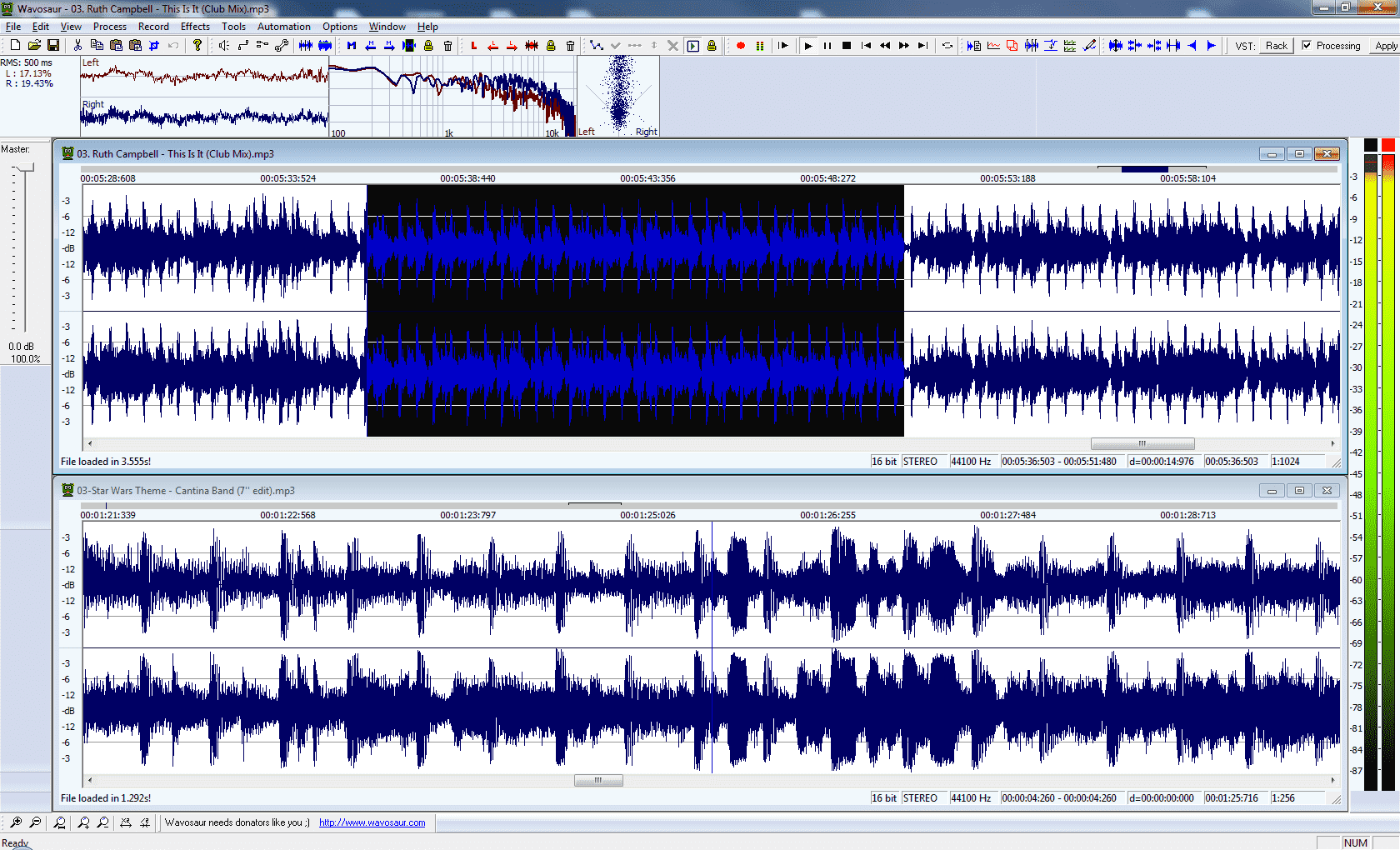
Wavosaur 2017 for all
A new version of the funky free audio editor is available :
=> http://www.wavosaur.com/download.php <=
download now ! and don’t forget to donate
Look at the beast :
Wavosaur 2017 for all
Hi everybody,
after a long and painful porting, the RaveGenerator 2 VST/AU is ready for beta testing on Mac OS X!
look at the beast :
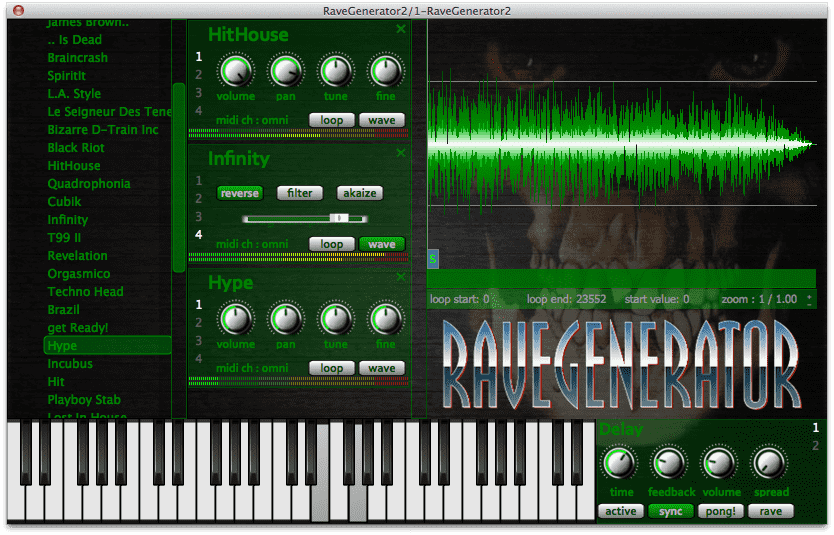
RaveGenerator 2 is coming on MAC
if you have a MAC, don’t hesitate to try the beta version.
leave a message in the comments or write an email to : contact@wavosaur.com
and don’t forget to give details about your configuration :
so far i tested in Ableton 9.2.3 32 bit, Renoise 64 bit, Reaper 64, VSTLord, AULab
seems to work 🙂
Come on don’t be shy !!
Some times ago, when i needed to loop/glitch/stutter on the fly i used the “Instajungle” VST effect : a handy VST looper with no GUI (don’t need), that works well with MIDI control

Unfortunaly, the development stopped and there’s no chance to see a 64 bit version, or to fix bugs that happen in some hosts.
And then i found the INSTALOOPER VST by AudioBlast !!
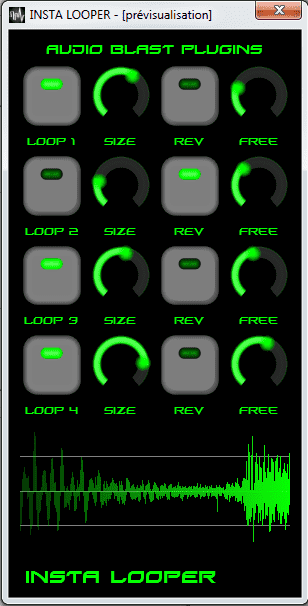
Free download : http://www.audioblast.me/downloadinstalooper.html
It’s a free VST for Windows and Linux, coming in 32 bit & 64 bit version.
It does basically the same as Instajungle : loops a part of the incoming signal, all sync’ed to the host.
don’t hesitate to have a look at the manual ! because it’s not obvious that you have to right-click on the buttons to make them act like “toggle” button and not “push” button.
Wavosaur, the funky audio editor has been updated to V1.2.0.0 !
download it for FREE => http://www.wavosaur.com/
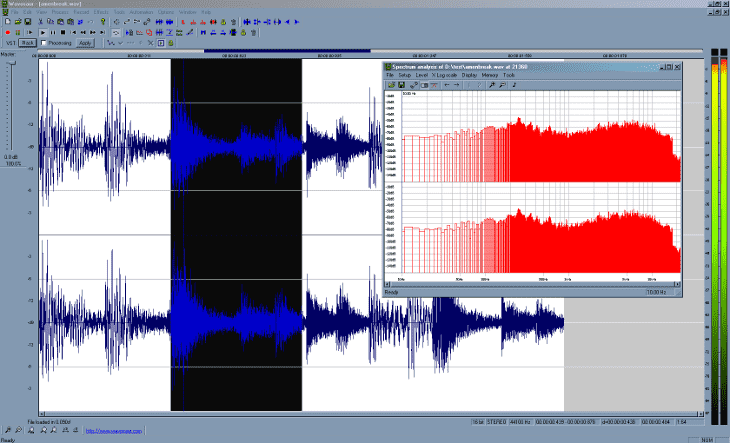
Wavosaur is aliiiiiiive
some new features :
– real time spectrum analysis
– keyboard shortcut editor
– new time bar
– more funkyness
check the news about 2016 here : http://www.wavosaur.com/interview.php
It’s time for a selection of free VST plugins that don’t produce any noise, nor have something to do with sounds.
Plugins for storing comments / any text in your DAW project, or for displaying RSS news in real time, showing the time of the day, etc.. they’re all here : here’s a list of utility plugins !
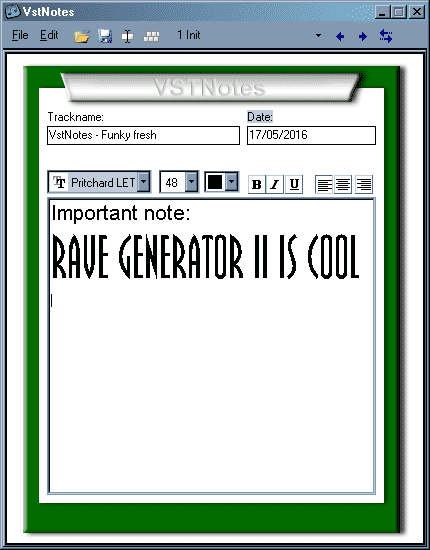
VSTNotes
download : direct link
This was a free plugin by ProXL, it’s Windows only & 32 bit : you can add any number of instances in your project and take some notes, the notes are saved with your project.
It works well, even in host that steals the key-press like Ableton.
You can choose a background color, mix any font/color/style.
Perfect for saving comments or lyrics or anything you want to type.
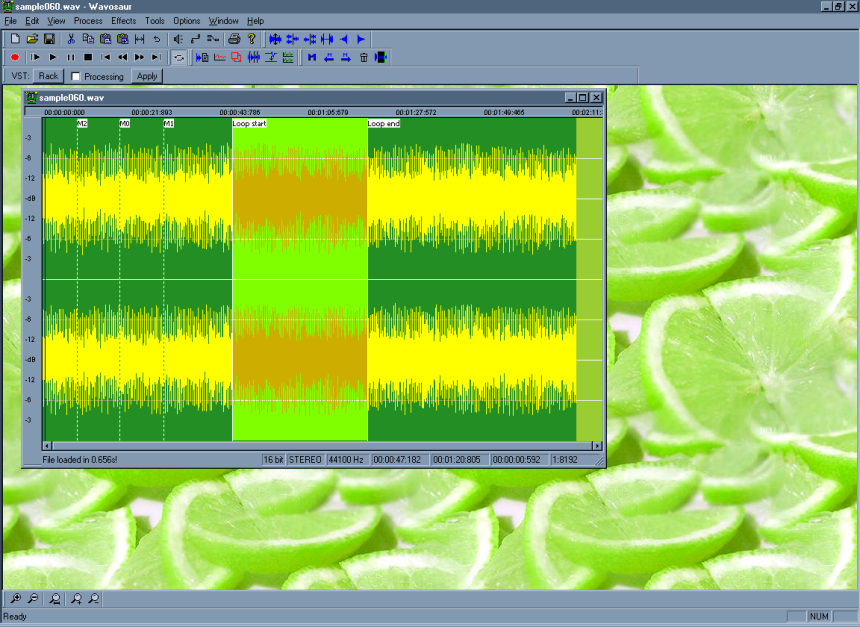
Wavosaur is fresh
Wavosaur, our free audio editor, come with two downloads : 32 bit version & 64 bit version.
If you don’t know what version you should use, here some tips :
1) you run a 32 bit OS
a good old Windows XP 32 bit for example!
you have no choice : only the 32 bit Wavosaur will work.
Sometime you just need a plain good old sampler VST plugin for your tracks :
just load a .wav sample, tweak some envelope, maybe adjust pitch, and add some loop points. No more no less.
You don’t need the bells & whistles of Kontakt, nor gigabytes of library => just load some samples and come on !
So here’s a selection of 6 FREEWARE sampler in VST format:
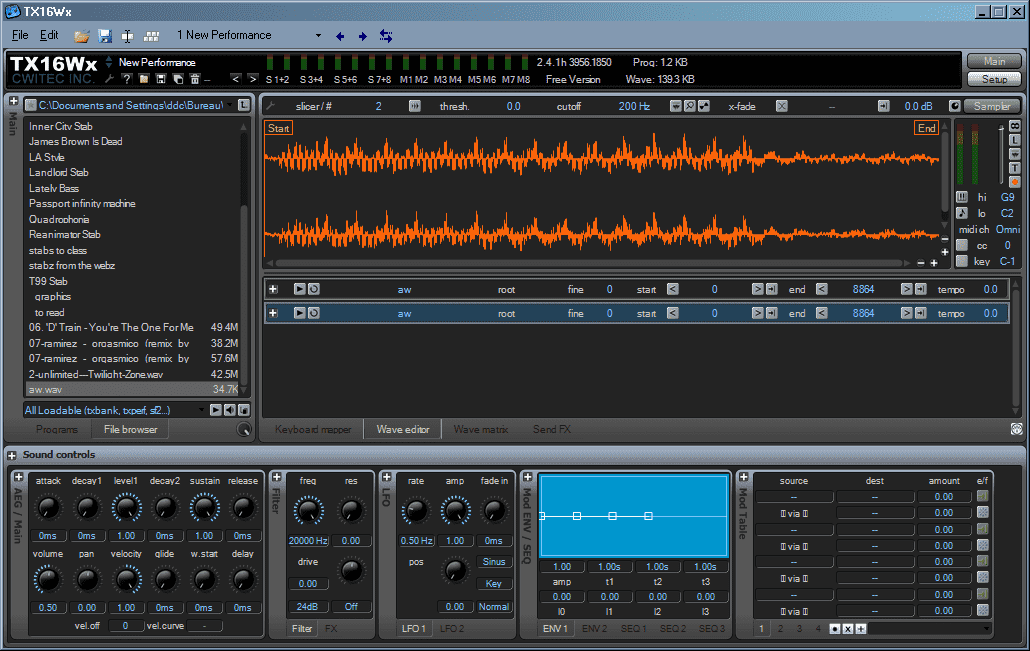
TX16Wx sampler VST
download 100% free : http://www.tx16wx.com/
Available for Windows (32 & 64 bit) & Mac (VST & AU 64 bit)
This one is more than a simple sampler for loading & playing audio files!
It’s the more complete & full featured free sampler.
Tons of modulations & envelope, powerful keyboard mapping…
You can choose between 4 sizes for the UI (from 800X600 to 1280X768)
and the plugin can record from its own inputs (DAW inputs).
This is also the more “up to date” plugin.
It can load wav, aiff ogg, flac + sf2 soundfonts and sfz.
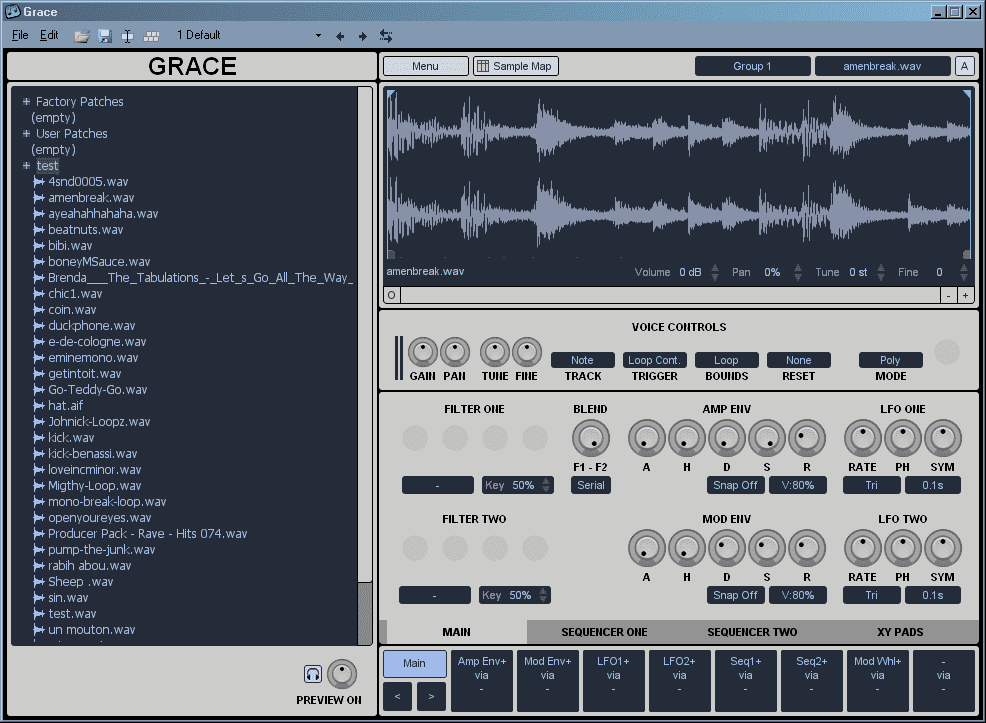
Grace Sampler
download : http://www.onesmallclue.com/plugin/grace/
The short story:
Here you can download ZR3 Organ VST &DFX Transverb VST for Mac OS X 64 bit :
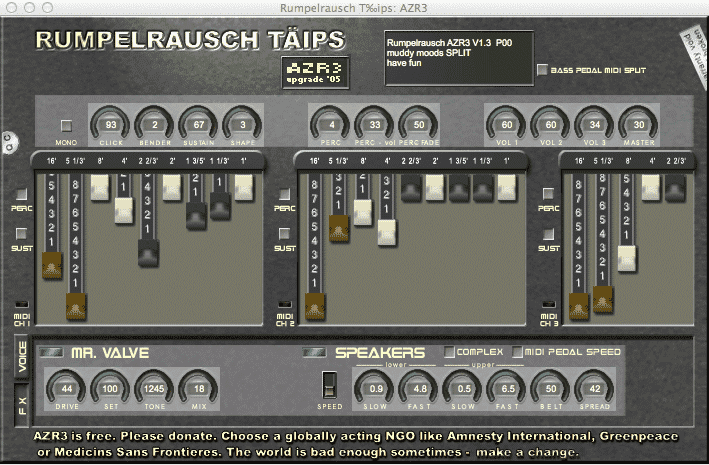
direct download : AZr3 organ VST for Mac OS X 64 bit
source code : src + XCode project
author website : Rupelrausch
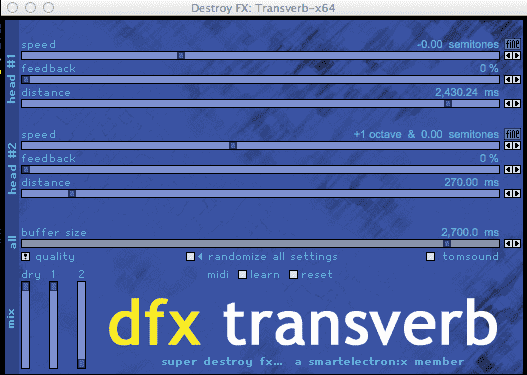
direct download : Transverb VST 64 bit for Mac
source code : src + xcode project + visual studio project for windows
author website : DestroyFX
I have ported the famous VST Speek plugin for Linux :
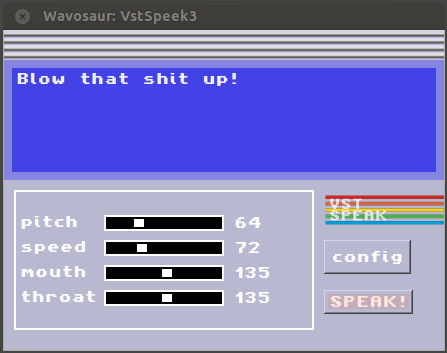
VSTSpeek on Ubuntu 12.04 (Renoise host)
download it now !!
– VSTSpeek for Linux 32 bit
– VSTSpeek for Linux 64 bit
it’s a Linux native VST and should work with :
– Bitwig Studio
– Renoise
– Tracktion
– Ardour
– Energy XT
– QTractor
please note that it’s a beta and could be unstable or suffer strange bugs.
Some hosts “steal” the keyboard focus, so you can’t type any words in the text zone.
It happens with Ardour 4 for example : and VST effEditKeyUp / onKeyUp (and down) are not yet implemented (“keypress are not sent to LINUXVST”) in Ardour.
That’s why i came up with a workaround : click on “Config” button then check “dirty hack”.
and now you should be able to type the words in the text field.
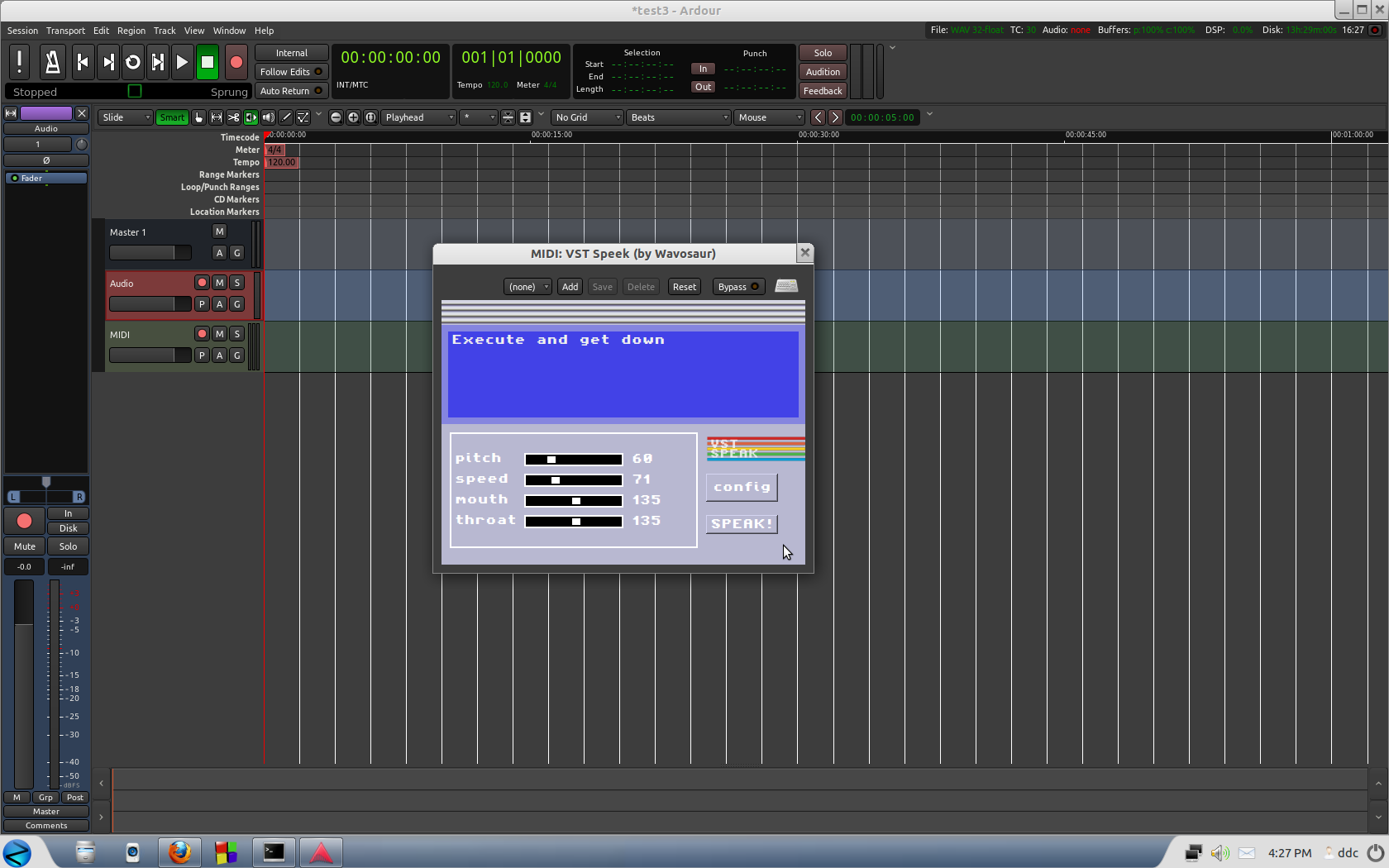
VSTSpeek in Ardour 4
You all know Rave Generator VST, the plugin for all oldschool rave techno breakbeat hardcore house lovers.
V 2 is coming !!
I’ve already tested in Ableton, Renoise, + many free VST Hosts.
more particularly CUBASE & FL Studio users.
ONLY WINDOWS for the moment (Mac versions will come later)
32 or 64 bit
don’t be afraid to horribly crash 🙂
send an email to contact@wavosaur.com.
there’s no manual yet but it should be pretty straightforward.
bonus:
here’s a funky thread about the origin of the “Landlord” stab :
https://www.gearslutz.com/board/electronic-music-instruments-electronic-music-production/990794-i-think-i-found-real-origin-landlord-stab.html
it was 99% sure that it was sampled from the LinnDrum demo tape !